
Six Months With the MacBook Air M4 – Does Apple’s Ligthest Laptop Still Hold Up for Photo and Video Users

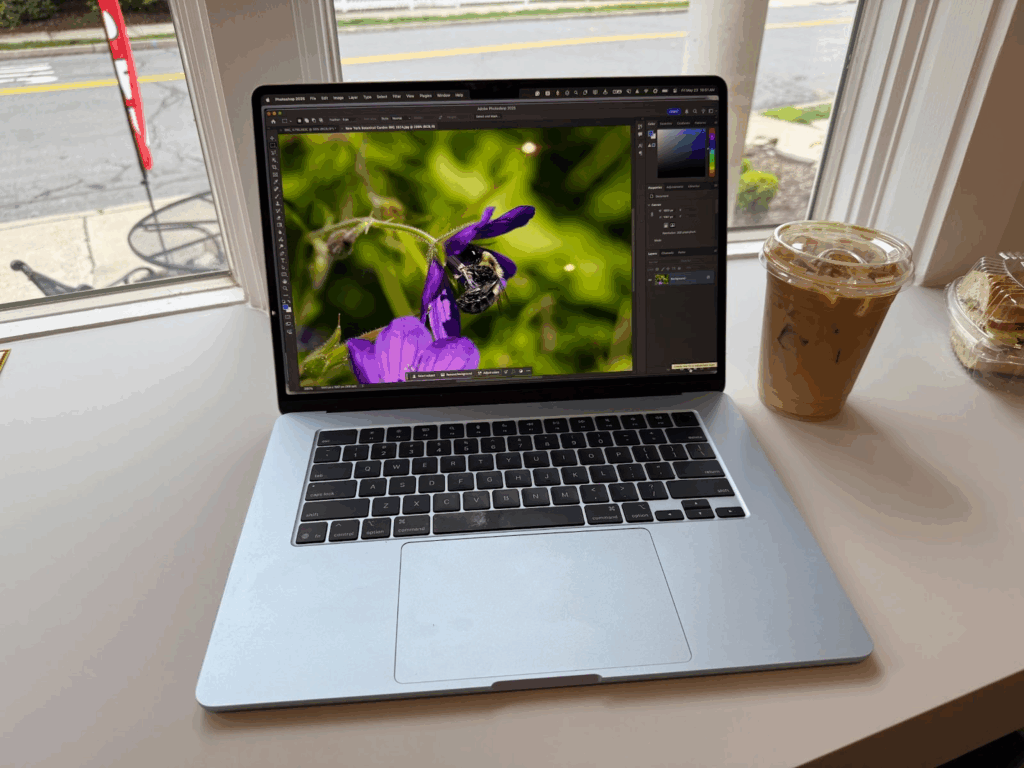
Table of Contents
 MacBook Air M4 (2025) – At a Glance
In 2008, in what would become a classic “Steve Jobs moment”, the then-head of Apple introduced the original MacBook Air by pulling it out of a thin manila envelope. At the time, the laptop’s dimensions were groundbreaking. Windows laptops were bulky, boxy, and heavy. The MacBook Pro was a thick slab of titanium, and the MacBook was a consumer-focused plastic box.
The MacBook Air took some of the power of the MacBook Pro and shrunk it to the size of today’s iPads. It was impressive, and I ordered one when it went on sale.
While it was small and portable, it wasn’t very fast. I watched the spinning beachball while waiting for a task to finish. The tradeoff of performance for portability was worth it, though, as I was flying tens of thousands of miles a year, and every gram I could shave off was back-saving.
Over the years, the MacBook Air has progressed from a tiny and underpowered computer into a larger but impressively powerful Mac. Today’s MacBook Air is lighter and smaller than the MacBook Pro and lacks some of the punch of the MacBook Pro, but it’s an amazing combination of price and performance.
For my money, the MacBook Air M4 is the best Mac laptop for photographers and video editors. I mean “for my money” literally, as I’ve purchased every MacBook Air model since its release, and the M4 version is the best yet.
MacBook Air M4 (2025) – At a Glance
The M4 MacBook Air continues Apple’s tradition of balancing power, portability, and value. While its exterior remains unchanged from the M3, the new 32GB RAM ceiling, dual 6K display support, and faster M4 processor make this a meaningful upgrade-especially for photographers and video editors. In real-world testing, it handles everything from Lightroom to DaVinci Resolve with ease, trailing only in render times compared to desktop-class Macs. Lightweight, quiet, and stunningly bright with a P3 1-billion-color display, the M4 MacBook Air is Apple’s most capable ultra-portable yet.
Pros
- Excellent balance of performance, portability, and price
- Now supports up to 32GB of unified memory
- Can power two external 6K displays at 60Hz
- Bright 500-nit P3 display with True Tone and 1 billion colors
- Whisper-quiet and lightweight, perfect for travel
- Significant multi-core performance boost over M3 model
- Exceptional build quality and six-speaker audio system
- Ideal for photographers and editors who use proxy workflows
Cons
- Still slower at final renders than MacBook Pro or Mac Studio
- No active cooling means potential thermal throttling under heavy loads
- Limited GPU improvement over M3 generation
- Higher RAM and storage configurations increase cost quickly
- Same exterior design as previous two models
Where to buy the MacBook Air M4
The MacBook Air M4 is available at Amazon, B&H, and Apple.
MacBook Air M4 Versus M3 MacBook Air Specs
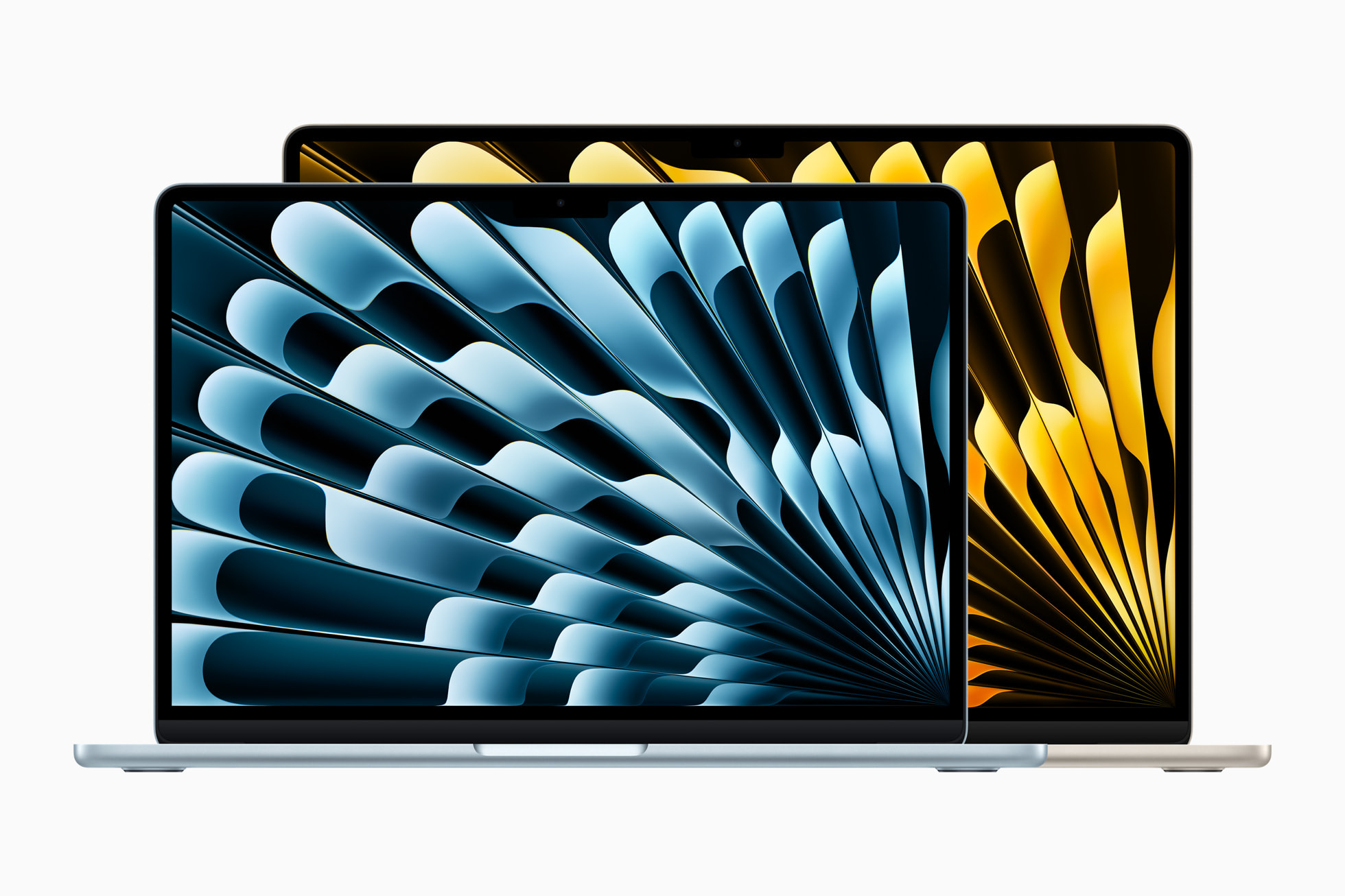
The MacBook Air’s external design is unchanged from the M3 and M2 models, but there are some internal differences.
Apple’s shift to a 32 GB maximum RAM setup is reason enough for many potential users to buy the M4. The 24 GB upper limit of the M3 MacBook Air was underwhelming and could easily slow down complex operations.
Another significant change for photo and video creators is supporting external monitors. The M3 could support one external display at up to 6K and a second display at 5K if the MacBook Air were run with the lid closed, using that display as the primary monitor.
The M4 MacBook Air can run two displays at 6K resolution and a 60Hz refresh rate. This change makes the new M4 version a worthwhile upgrade over the M3 model for video editors.
The M4 also features several minor improvements, including a slightly higher resolution and six speakers, compared to the four on the M3.
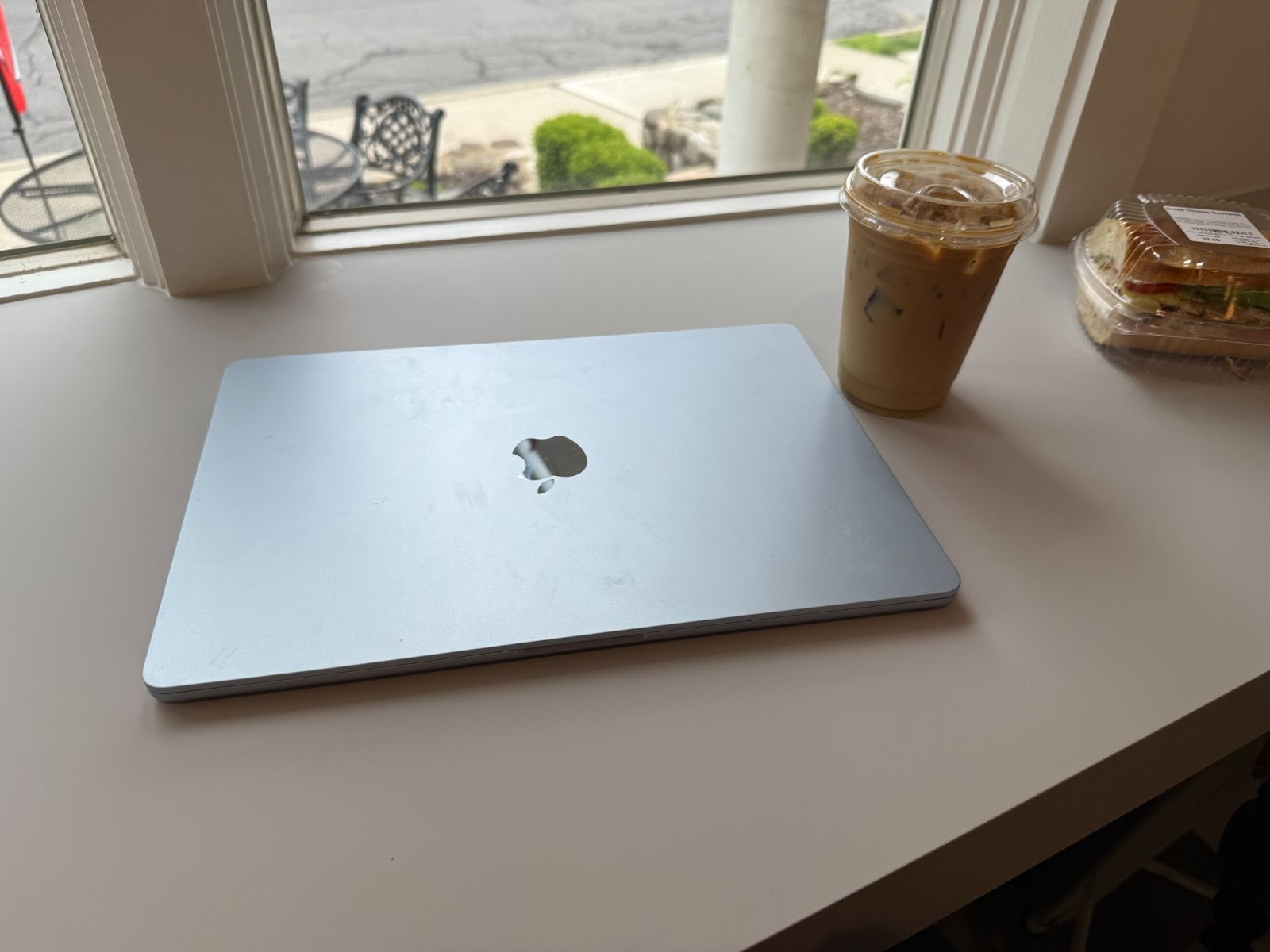
Display-wise, the M4 MacBook Air is brilliant, literally and figuratively. It supports 1 billion colors using the P3 color gamut and Apple’s True Tone system to manage screen colors. At 500 nits, the display is bright enough to be easily seen outdoors.
Unlimited Power
Apple’s M-series processors are at the heart of all of its computers, and it’s a powerful but confusing lineup. These chip architectures have four generations, with M4 being the most recent.
The naming of the processors seems straightforward as each generation progresses from M1 to M4. The M4 processor would be faster than M3 or M2, but this isn’t always true.
In each of the processor lines, there are base models (M1, M2, etc.) and enhanced versions of each chip called Pro and Max. Additionally, the M2 lineup includes an Ultra model.
As a result, the M4 processor in the MacBook Air is not as powerful as the M3 Pro in the MacBook Pro, especially in graphics tasks. Since the MacBook Air M3 and M4 are both based on the same chip, the M4 is faster than its predecessor, but not radically.
Apple’s chips are multi-core processors, meaning two or more are on the same chip. Multi-core processors allow the computer to do multiple things at once or to do the same task faster.
The M4 MacBook Air is 28 percent faster than the M3 MacBook Air in multi-core tasks. That’s a significant speed boost for typical computing tasks, but graphics processing is key to performance for photographers and video editors.
The M4 MacBook Air is only 13 percent faster than the M3 version in graphics tasks. Any speed boost is welcome in video or photo editing, but 13 percent might not be noticeable depending on your typical tasks.
Is the M4 MacBook Air Good For Photographers and Videographers
The MacBook Air was never designed to be a speed demon, but even the base M4 processor is more powerful than some of Apple’s earlier M1 and M2 desktop models.
My main workstation is a M1 Max Mac Studio, and it’s a speed demon, but thanks to the optimization in most photo apps, the performance of the M4 MacBook Air feels no different than my desktop Studio.
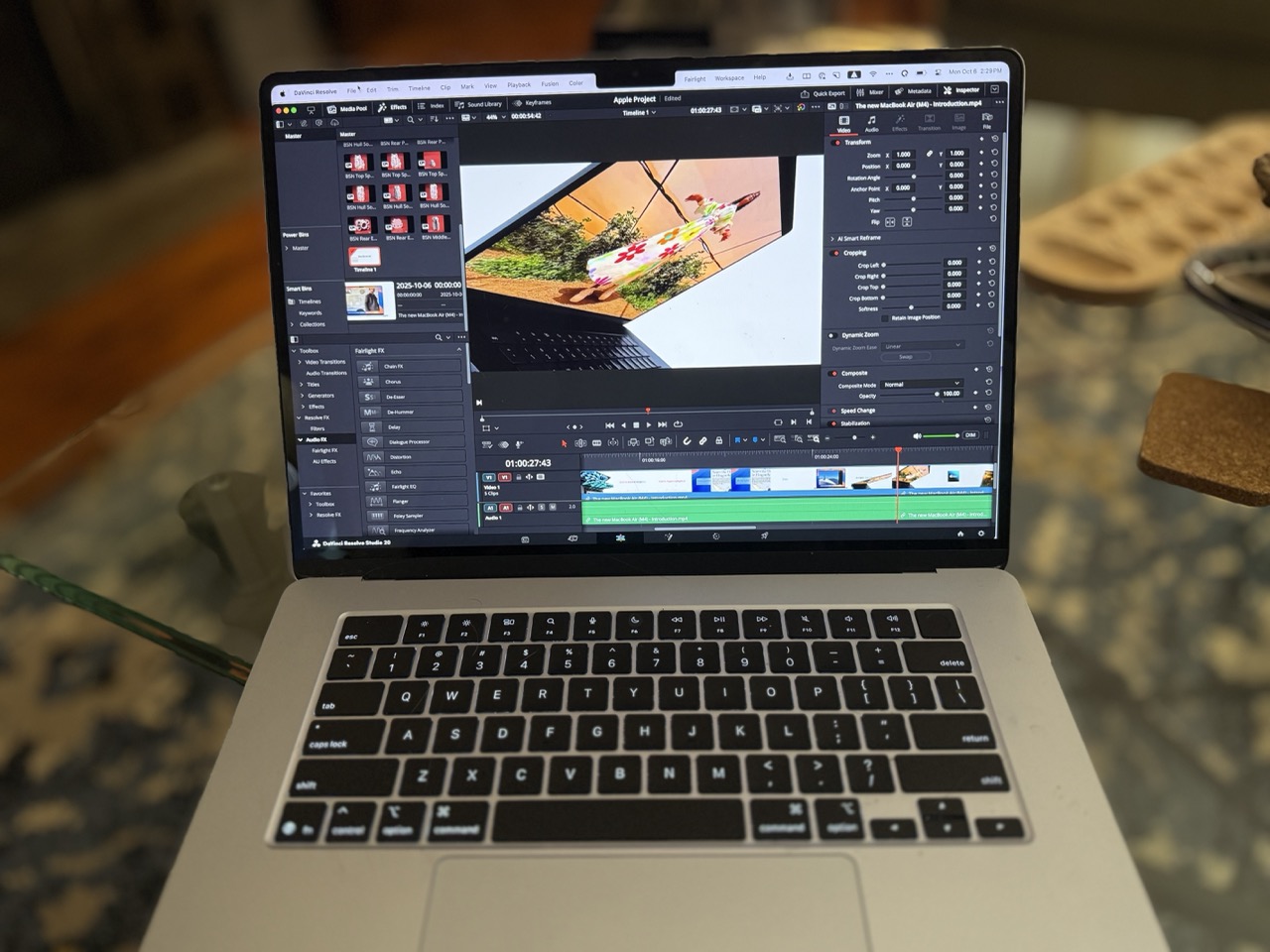
In editing a video, there’s virtually no difference. All professional video apps create proxy files for faster editing. A proxy file is a low-resolution version of footage that serves as a placeholder for the high-resolution footage until the final project is exported.
Editing speeds are identical to those on my desktop when I work on videos for Imaging Resource’s YouTube channel (youtube.com/@imagingresourcereviews) and my personal YouTube channel (youtube.com/@davetriesthis).
It’s not until the final footage is rendered that speed differences become noticeable since the edits are applied to the full-resolution footage.
To test the performance of the M4 MacBook Air, I tested rendering the same project across both my M1 Max Mac Studio and the M4 MacBook Air. The sample project runs for eight minutes and has hundreds of cuts, dozens of titles, and a few dozen transitions.
I rendered both as ProRes 422HQ, using the same OWC Envoy hard drive on both machines for both the project and the location of the rendered file. The M1 Max Mac Studio completed the render in a minute and 22 seconds, while the M4 MacBook Air clocked in at two minutes and 22 seconds.
The performance of both renders seemed similar; however, the project included a few processor-intensive warp transitions, which the MacBook Air struggled to handle.
For a short video, these times are barely different. Hit render and grab a coffee, and they’ll both be completed when you return. But render a longer or more complex project; suddenly, you’re looking at significant speed differences.
Those differences are more pronounced when you look at the current state of Mac desktops. These tests were an entry-level M4 processor versus a year-old M1 Max Mac Studio, but the current crop of Mac Studio comes with either an M4 Max or Mprocessor processor.
Should You Get the M4 MacBook Air?
It would be pointless to compare the performance differences between all the models of Mac laptops and desktops, as they serve different purposes. Still, I can give general purchase recommendations based on each model’s other customers.
The Mac desktops are by far the best value in dollar-per-performance. With a laptop, you’re always paying more for the ability to work in a coffee shop instead of in your office. On the other hand, the Mac Studio is overpowered for many photographers and videographers.
Compared to the MacBook Pro, the M4 MacBook is particularlyicularly anemic. The MacBook Pro 16-inch comes in either the M4 Pro or M4 Max configuration. The M4 Max base model is $3,200, although the base model of the sixteen-inch M4 Max is $4,000. Configuring a MacBook Air to match the memory and hard drive specs of the Mac Pro costs only $2,000.
If you’re mostly using Lightroom, Capture One, or any of today’s photo editing tools, the M4 MacBook Air is a compelling machine. It has more than enough horsepower to work with even massive photos without missing a beat.
For editors working in Resolve, Premiere, or Final Cut, the M4 MacBook Air is surprisingly powerful. Video editing software has been designed to allow for low-horsepower editing, and proxy files make even complex jobs taxing for most computers, but I edit 4K/24 content in Resovle with no issues.
When rendering, the speed of a MacBook Pro or Mac Studio becomes apparent. Even my years-old Mac Studio halves the rendering time of my typical jobs.
But do you need the fastest rendering speeds? The question might come down to the length of your projects. At the speeds I recorded in my video tests, an hour-long video would take around twenty-five minutes to render, while it would take my older Mac Studio around ten minutes.
Compared to a current-generation MacBook Pro or the M4 Max Mac Studio, the MacBook Air would be left in the dust, but that dust comes with a significantly higher price tag. If you’re looking for the fastest Mac laptop, the MacBook Pro is it, as it puts desktop-level performance in a portable-albeit heavy-body.
If you already have a powerful desktop Mac, the MacBook Air makes a perfect companion. It’s light enough to take anywhere, the display is as good as the MacBook Pro’s, and the top-end configuration of 32GB of memory and 2TB SSD makes it an incredibly capable machine.
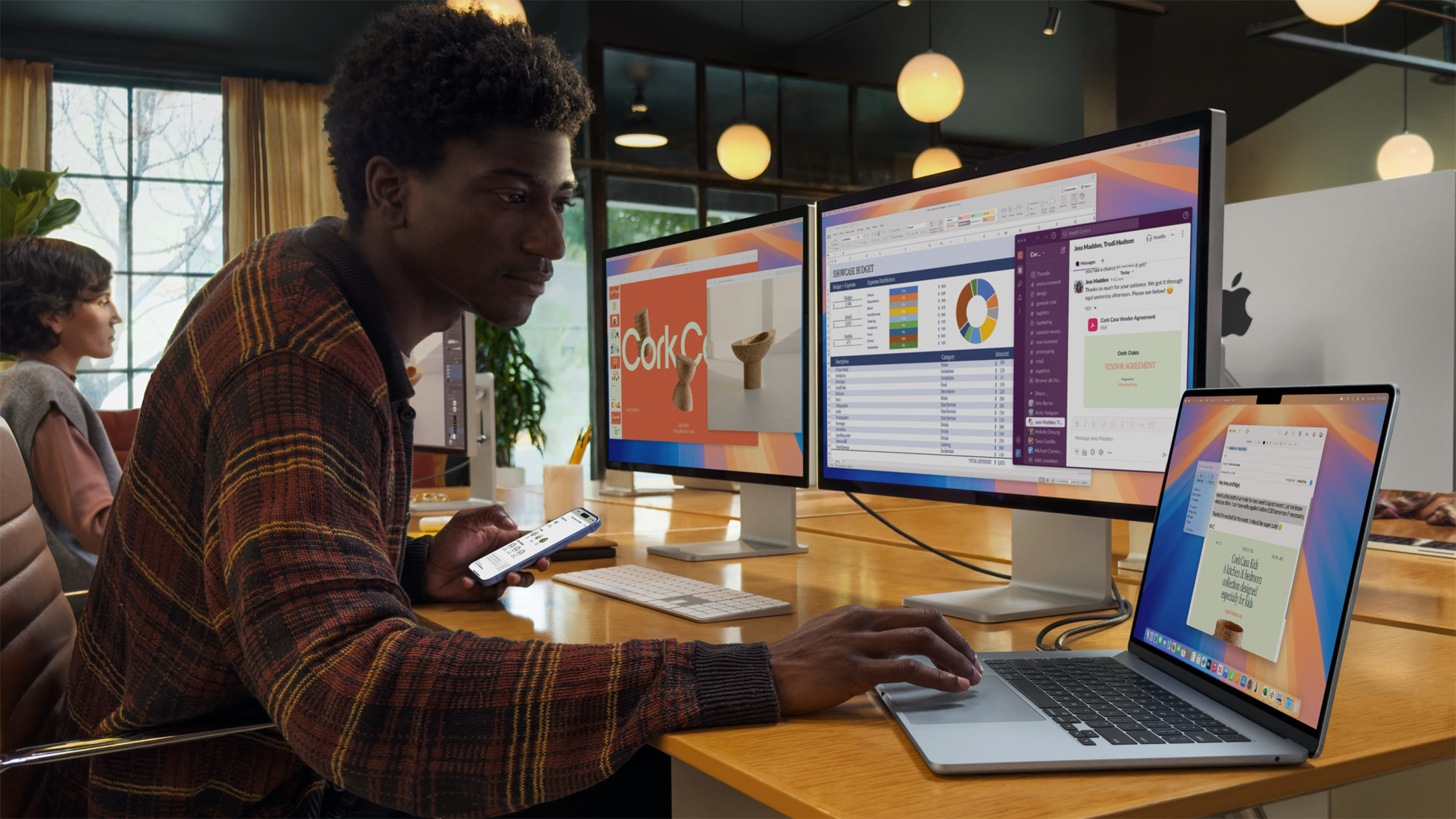
Since the M4 MacBook Air can now connect to multiple displays, it also makes a cost-effective hub for a multi-monitor setup, opening up many multitasking possibilities.
The M4 MacBook Air is a powerful, light, beautiful computer, and I now do most of my work on it. From a performance perspective, it can do almost any task the MacBook Pro can do until you get to video rendering times.
If you’d like to work anywhere without emptying your bank account, the MacBook Air is a perfect choice.
Where to buy the MacBook Air M4
The MacBook Air M4 is available at Amazon, B&H, and Apple.