
Wacom Introduces Its Latest All-in-one Portable Creative Pad Tablet: MovinkPad Pro 14

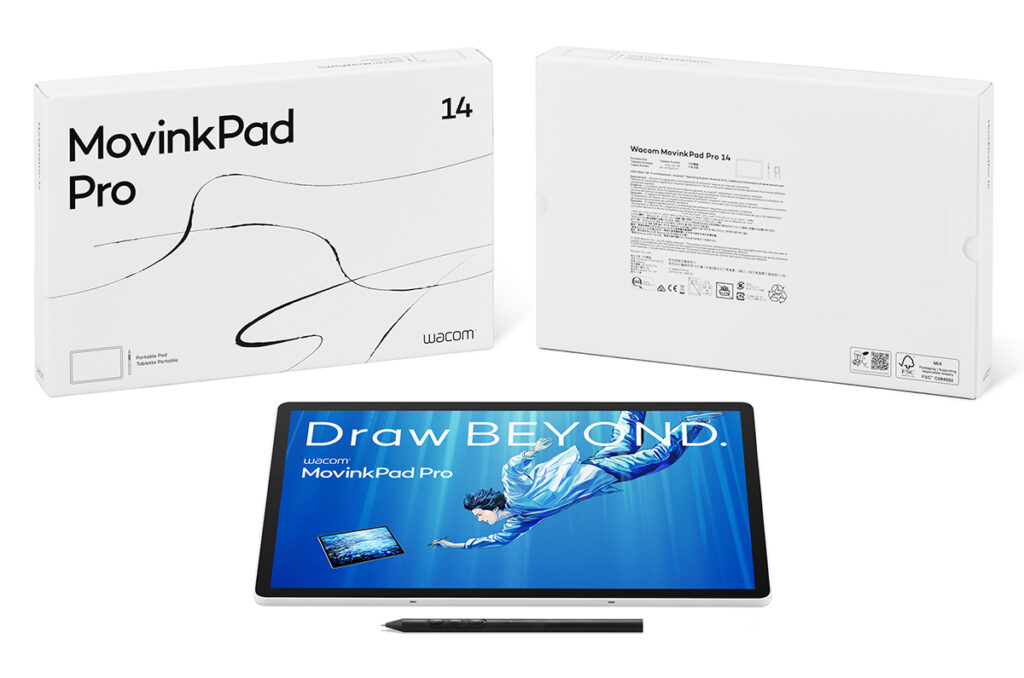
Table of Contents
 Features & Specifications
Wacom has introduced a product designed for digital artists and creatives looking for the best of both worlds, namely a tablet that acts as a stand-alone tablet and one that can also connect to a computer. The Wacom MovinkPad Pro 14 display tablet does just that. Like the MovinkPad 11 that came out earlier this year, the new MovinkPad Pro 14 can be used without having to be connected to a computer. That’s why Wacom is calling it a “Portable Creative Pad,” distinguishing it from its two main lines of display tablets and pen tablets.
The MovinkPad Pro 14 has a 14-inch OLED touchscreen with 2800 x 1800 resolution and a top refresh rate of 120Hz, which can deliver rich detail and fluid motion for illustration and design. The tablet also comes with an Android 15 operating system, a Snapdragon 8s Gen 3 processor (with an octa-core CPU), 12GB of RAM, and 256GB of storage. Creatives will appreciate its performance power: Wacom claims the MovinkPad Pro 14 can handle “complex workflows beyond illustration,” including 3D modeling and animation.” What creatives should also like is that Wacom claims the new tablet has “100% coverage of both DCI-P3 (CIE1931) (typ) and sRGB (CIE1931) (typ)” color gamut ranges. Wacom says the tablet also has a peak brightness of 900 nits with HDR support.
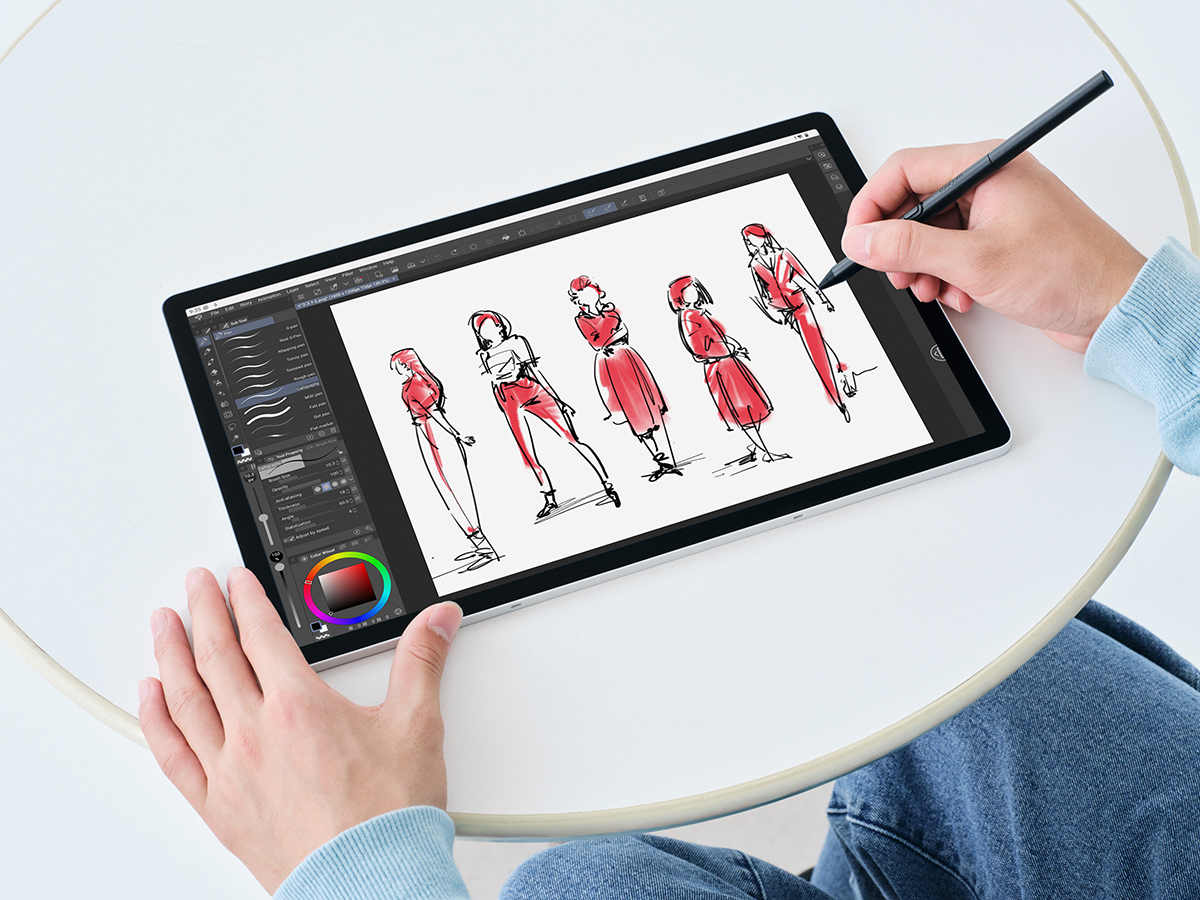
Like most of Wacom’s products, the Wacom MovinkPad Pro 14 is focused on creative and artistic tasks, like digital drawing and painting, which focuses it more than traditional tablets like Apple iPads and other Android tablets. One feature that artists should enjoy is Wacom’s Premium Textured Glass, which not only has a slight coarse feel to replicate the feel of drawing on paper, but the company says the surface also comes with “its unique anti-glare, anti-reflection, and anti-fingerprint surface treatment.” The MovinkPad Pro 14 also includes a Wacom Pro Pen 3.
It comes with a Quick drawing function (which was introduced on the MovinkPad 11), which turns on the tablet quickly. But the MovinkPad Pro 14 is also debuting a new app: Wacom Lab, which has a mode that lets it connect to a PC or Mac via a wired USB-C connection or wirelessly. (Note: The Wacom Lab app is still in beta testing mode.) Other apps included with this new portable creative pad include Wacom Canvas, Wacom Tips, Wacom Shelf, and Clip Studio Paint (a six-month license).
Features & Specifications
Here’s a quick rundown of the main features and specifications on the Wacom MovinkPad Pro 14:
- Display Size: 14 inches
- Resolution: 2880 x 1800
- Viewing Angle: 170 degrees (85/85)H; 170 degrees (85/85)V
- Aspect Ratio: 16:10
- Contrast Ratio: 100,000:1
- Processor: Snapdragon 8s Gen3
- Memory: 12GB
- Storage: 256GB (with expandable storage via a microSD card slot)
- Wireless Connectivity: Wireless LAN IEEE802.11a/b/g/n/ac/ax, Bluetooth
- Operating System: Android 15
- Connectivity: USB Type-C port (USB2.0) x1
- Pen: Battery-free Wacom Pro Pen 3 (8192 pressure levels)
- Pen Tilt Angle: 60 degrees
- Multi-Touch: Yes (10 fingers)
- Battery Type: Lithium-ion battery
- Mic, Speakers: Dual microphones, Stereo speakers
- Sensors: G-sensor, e-compass, ambient light sensor, GNSS, GPS
- Dimension: 12.7 x 8.3 x 0.2 inches
- Weight: 25.6 ounces
Pricing & Availability
Wacom says the MovinkPad Pro 14 will be available soon. You can pre-orders it now on Wacom’s e-store or at other online retailers, including B&H.